


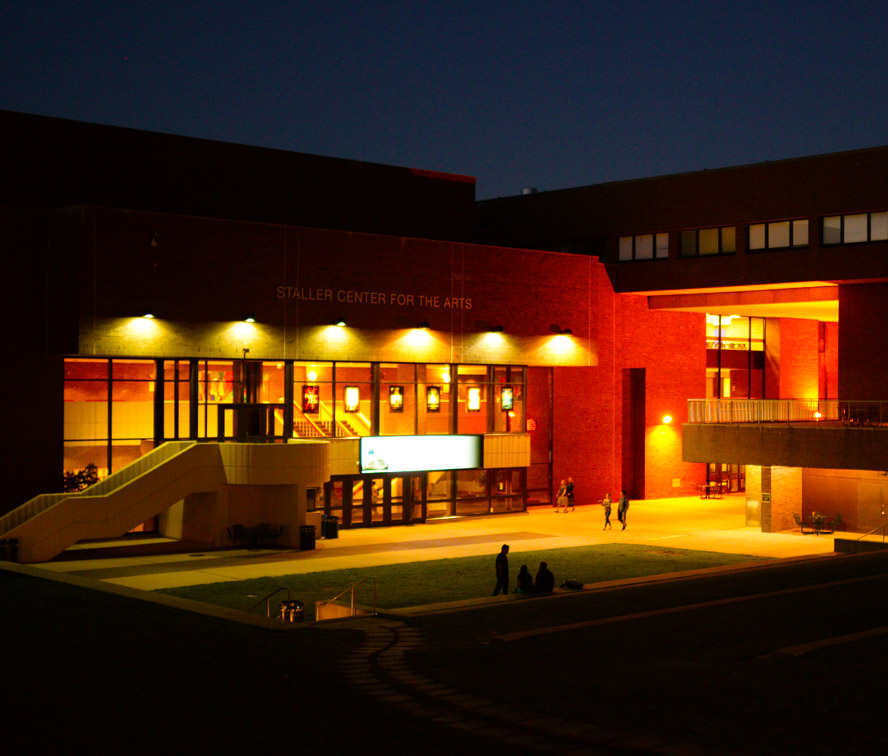
Spotlight Carousel Component
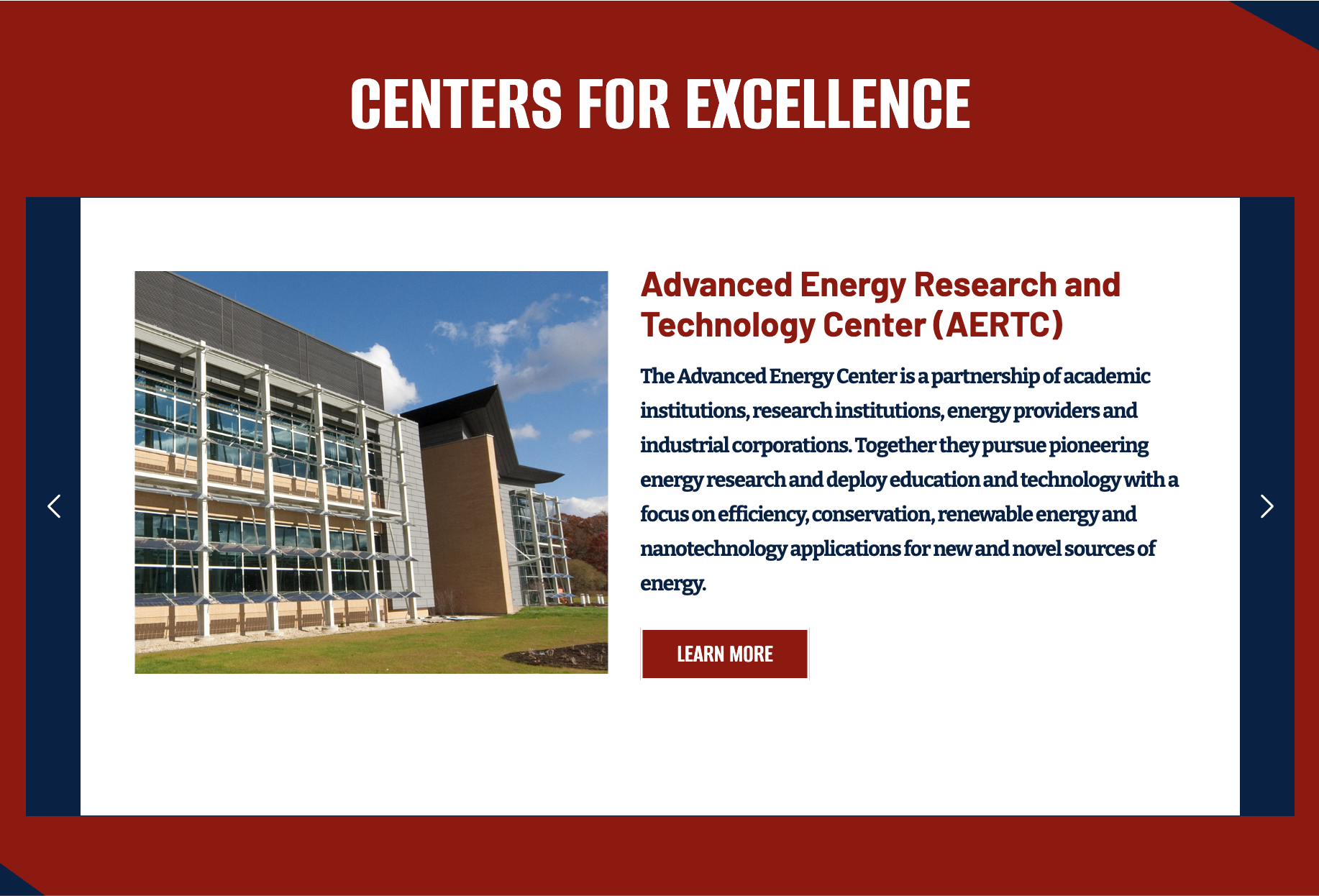
This article walks through how to use the Spotlight Carousel Box component—a flexible option for showcasing course spotlights, research projects, key program highlights, events, and more.
What This Component Is
The Spotlight Carousel lets you feature multiple “spotlight” items (each with an image, headline, short description, and button) in one clean section—so you can highlight several programs, projects, or stories without building a bunch of separate sections or repeating the same layout over and over.
When to Use
Use this component when:
- You need to highlight several related items in one place (ex: multiple research centers, courses, events, or initiatives) and want visitors to quickly browse them.
- You want each item to include a strong visual + short summary + clear call-to-action that links to a page with full details.
Avoid this component if:
- You only need to spotlight one thing (a single feature reads better as a standard content section or feature box).
- Your content needs to be scannable all at once (ex: lots of items, lots of text, or visitors must compare options side-by-side—use a list, cards/grid, or a table instead).
Video Walkthrough
How to Add This Component
Demos
Sample header
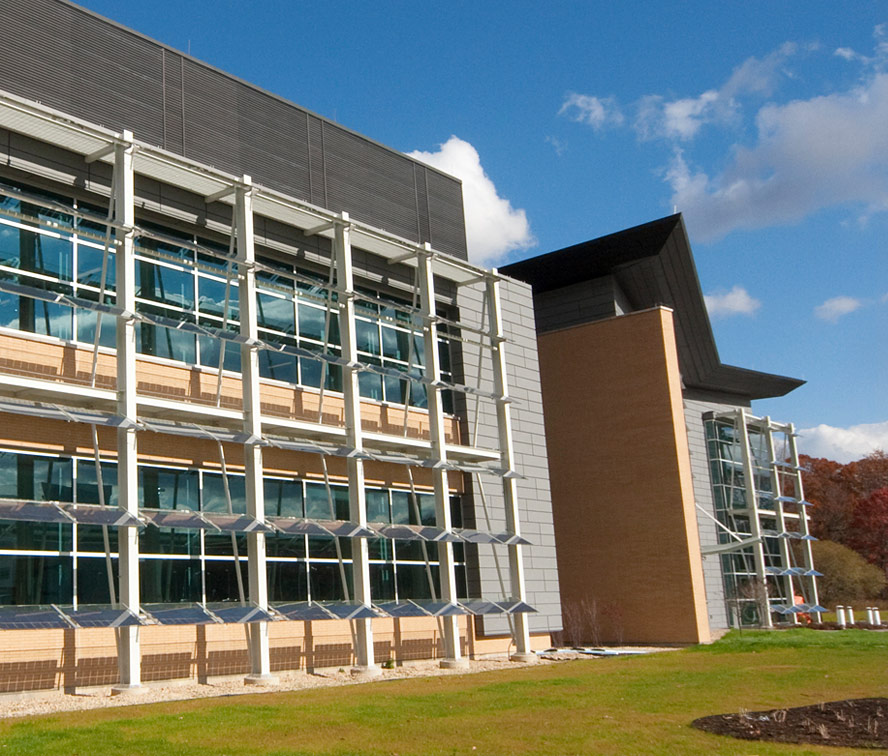
Test heading
LEARN MORE
Sample header
Test heading
LEARN MORE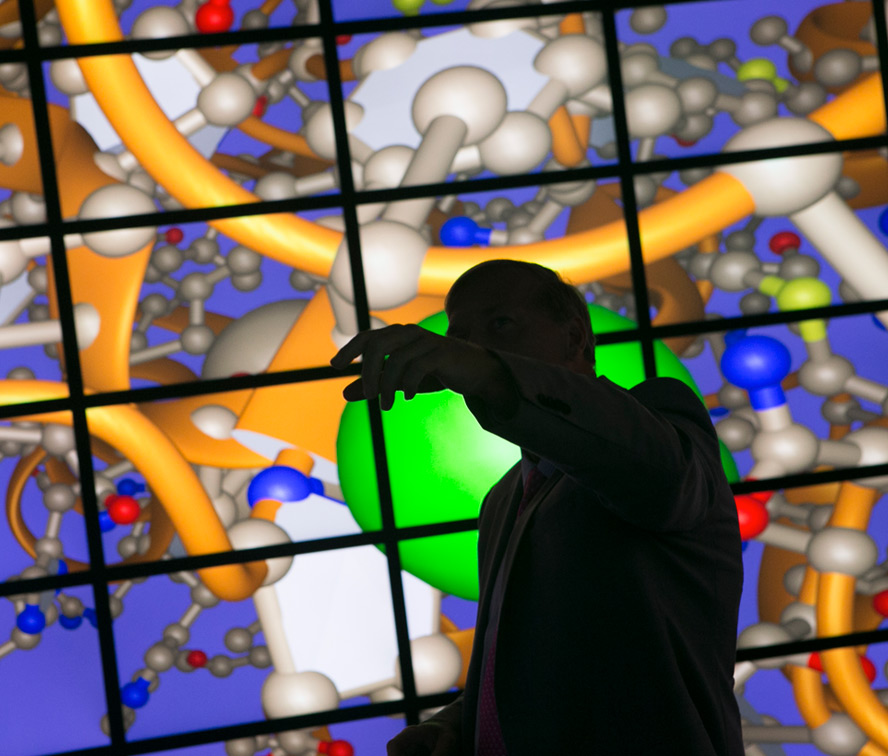
Test heading
LEARN MORE
Sample header