""

Podcasting Studio

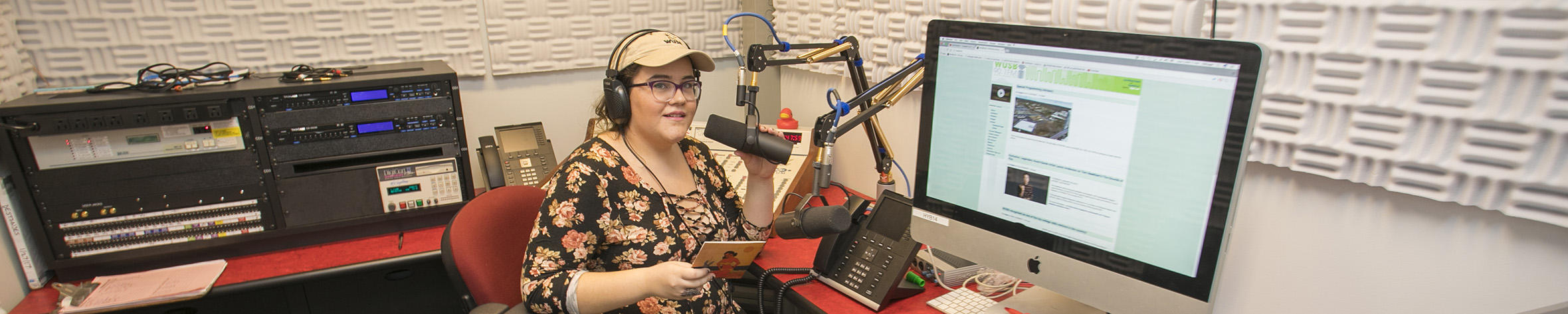
The equipment we have available for podcasting is located in the podcasting studio in the Student Media Suite (SAC 307, Room N) and the mobile podcasting cart nicknamed “The Podcastinator”. The main equipment you will need to learn how to use is the RØDECaster Pro Podcast Production Studio. This is the primary audio interface used for recording and streaming. The room comfortably seats 4 people. For larger groups or alternative spaces, the mobile cart is recommended. 


The space also features a pull-down green screen, sound-dampening treatments, and various tools to hold mobile devices for video purposes. There are computers available in the space for editing, as needed.


Anyone interested in using the Podcasting space must complete training with a member of the Student Media Services team or have an in-house production assistant. Either of these services can be requested by completing our Space Request form; this form will allow you to indicate which of these resources you need to complete your project.

RØDECaster Pro Podcast Production Studio Controls

The RODECaster Pro Podcast Production Studio viewed from the top.

1. Mic Channel Buttons

2. Mic Channel Faders

3. Full-colour LCD Touchscreen Record Button

4. Headphone Output Controls

5. Main Output Control

6. Sound Pads

7. Mute/Solo Buttons

8. USB Channel

9. Smartphone Channel

10. Bluetooth Channel

11. 'Host' 3.5mm Headphone Output

 The RODECaster Pro Podcast Production Studio viewed from the side.

1. XLR Inputs

2. 3.5mm TRRS Input (for Smartphone Channel)

3. ¼" Headphone Outputs

4. ¼" Speaker Outputs

5. MicroSD Card Slot

6. USB-C Connector (for USB Channel)

7. DC Power Connecter


Featured Podcast Studio Episodes

  • Health Matters - Veterans
  • BlackWorld
  • Coaches Corner
  • Collaborative for the Earth
  • What's the Tea with Ric
  • Homecoming/Court Interviews

To listen to additional Stony Brook-produced podcasts visit our Podcast Library.